# Babylon Area Light
```javascript
import * as REAL from "real_api_bbl";
export function AddLights(scene) {
const width = 1;
const height = 1;
const color = new BABYLON.Color3(0.66, 0.56, 0.2);
const intensity = 2;
const light = new REAL.AreaLight(width, height, color, intensity);
scene.addTransformNode(light);
}
```
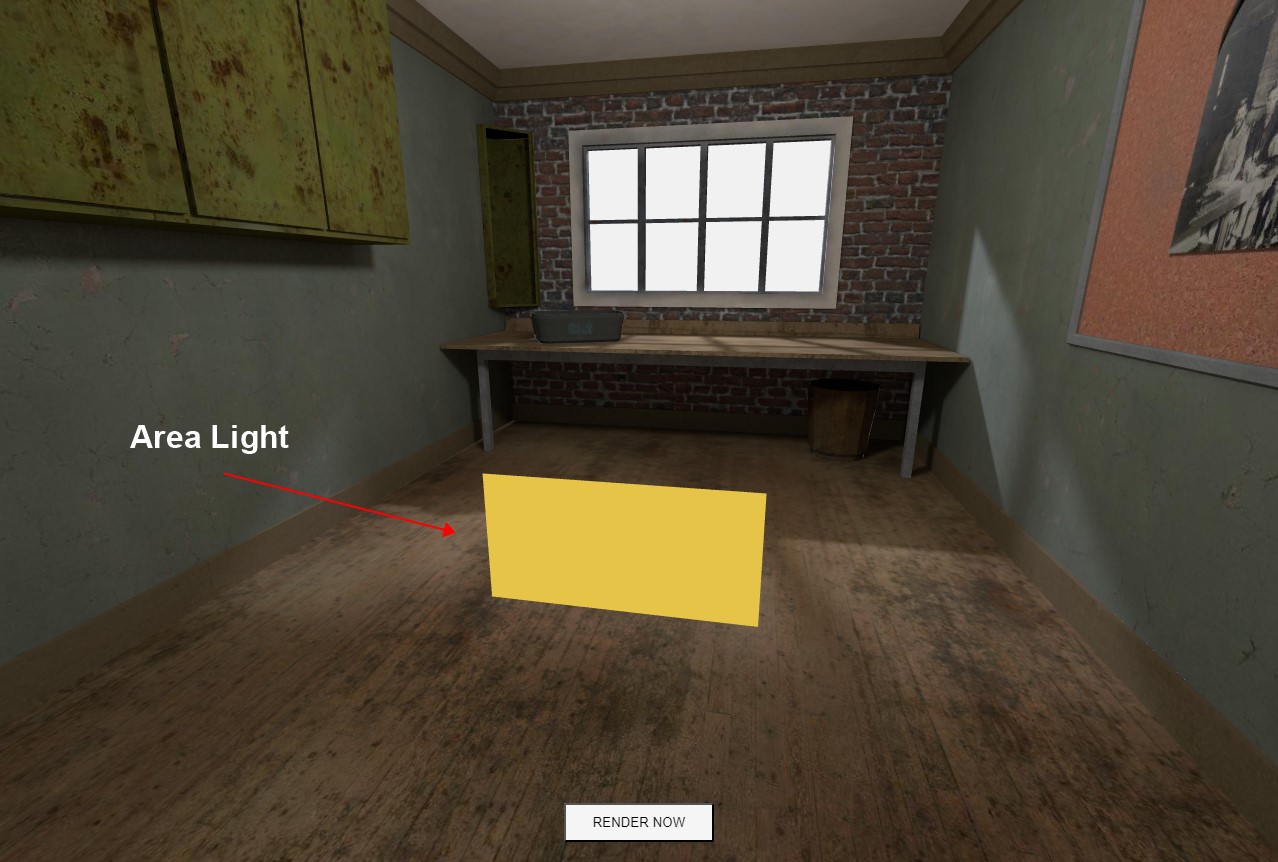
创建区域光的简单示例
变换操作:
* 变换操作,如 `旋转`、`位置` 和 `缩放`,可以与其他 Babylon.js 网格相同地执行
```javascript
import * as REAL from "real_api_bbl";
export function AddLights(scene) {
const width = 1.8;
const height = 1.5;
const color = new BABYLON.Color3(0.66, 0.56, 0.2);
const intensity = 2;
const light = new REAL.AreaLight(width, height, color, intensity);
light.position.set(0, 1.5, -2.5);
scene.addTransformNode(light);
}
```
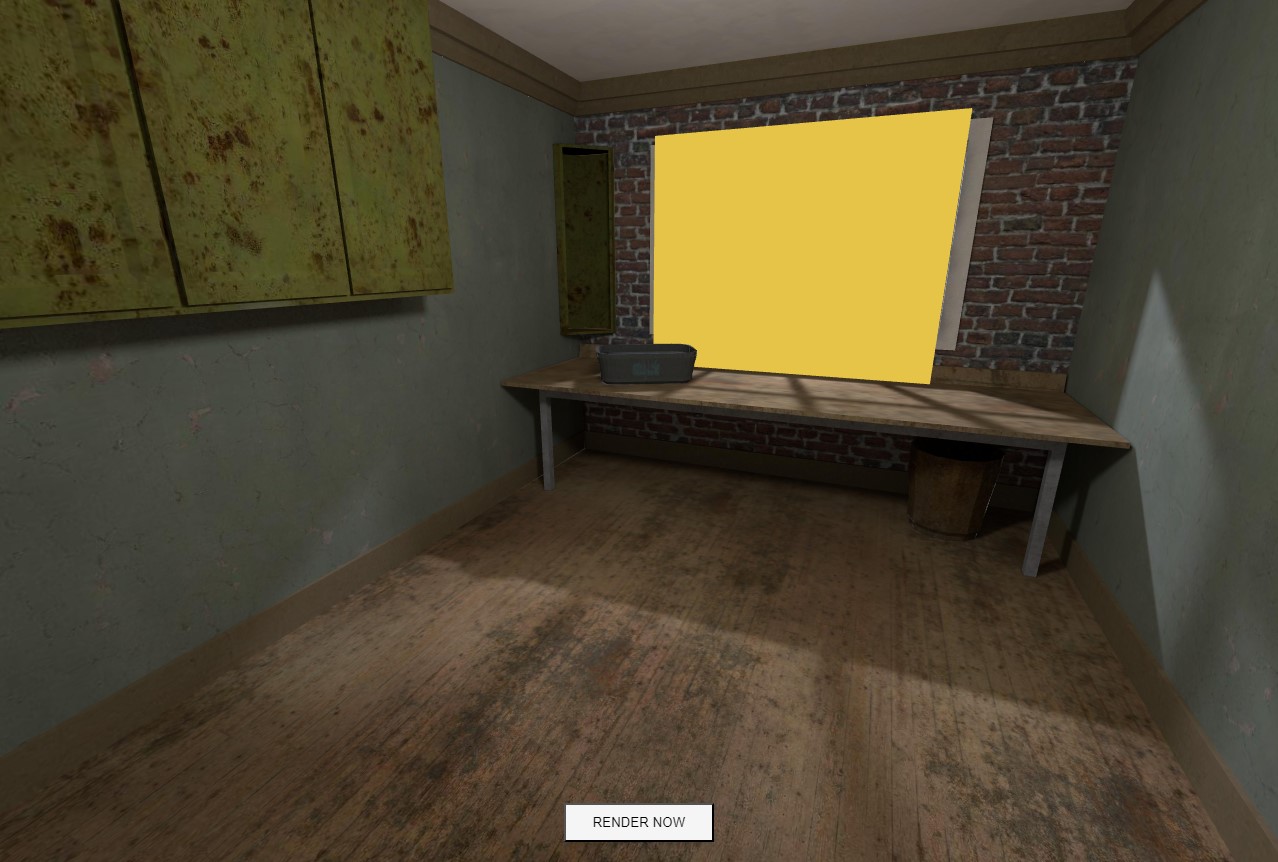
应用位置后